This website was developed as a final project for the NYU IDM Intro to Web Development course. This website is meant to be used as a catalog for the things I’m going to sell because I’m moving back to Indonesia in January of 2024. Here, the user can view all the things I’m selling including the photos, descriptions, and price. The user can use the cart functionality to order multiple items at once after signing up to the website using their email address. However, the website does not currently handle transactions and therefore the user is directed to contact me directly, either through email; text; or social media, in order to make a purchase.

Tools & Resources:
To build the backend of this project I used Firebase. Which is a backend as a service (BaaS) product by google. With firebase, I was able to handle authentication in order to sign up and sign in and store the data for my user and products using firestore which is a cloud NoSQL database service built into firebase. I used the series of videos by Net Ninja on youtube on getting started with Firebase 9 in order to help me develop the backend for my website.
To deploy my website I used Vercel which is a cloud platform that simplifies the deployment and hosting of web applications. Vercel also includes continuous deployment from a git repository so every time I do a git push, Vercel will automatically deploy the newest version of my website. I was able to deploy this thanks to the help of my very good friend Bach Le.
Website Pages:
Main Page:
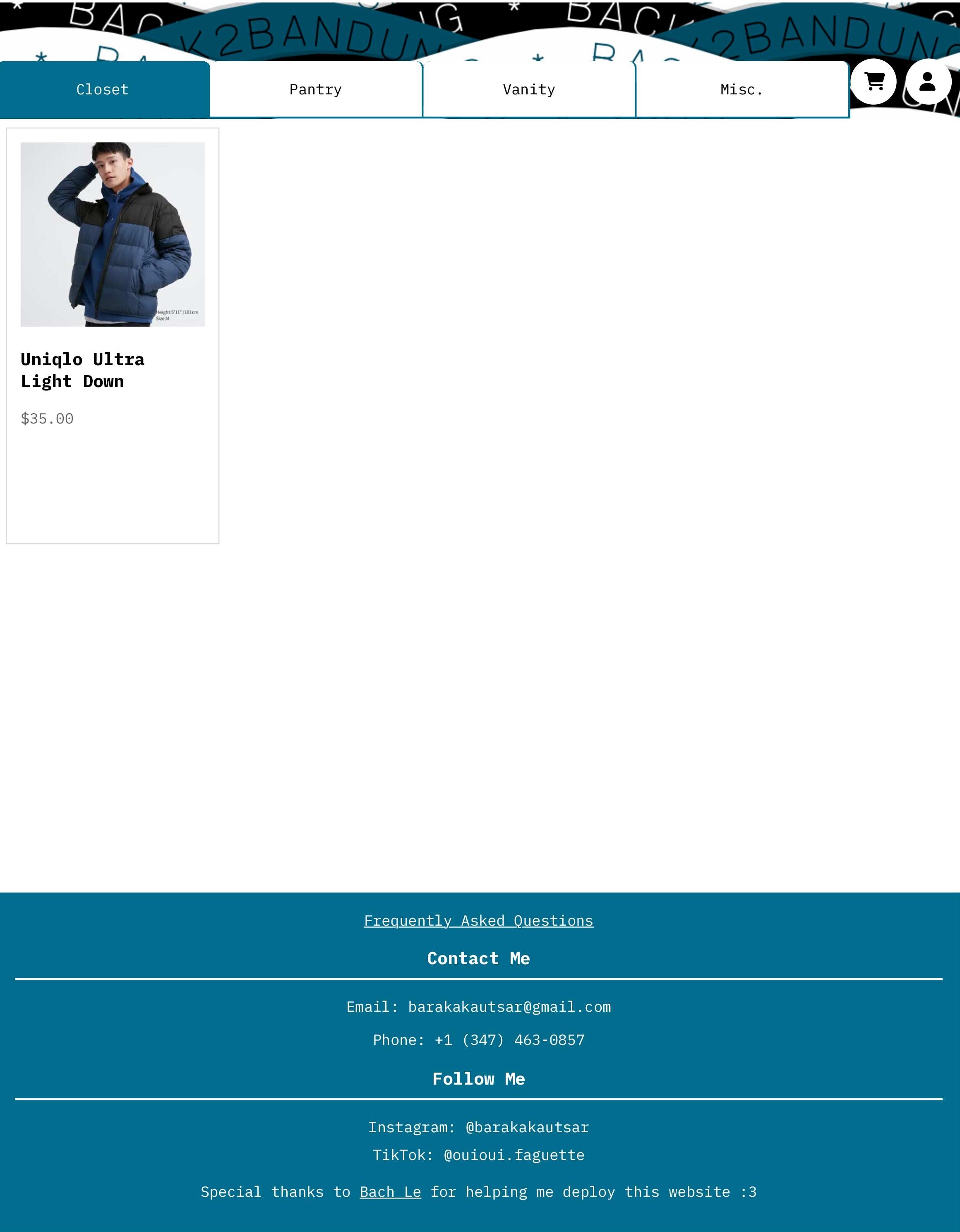
The main page is the first page that the user will see when they visit the website. The main page will display the items that are currently available for sale. The user can click on the item to see more details.
Product Modal
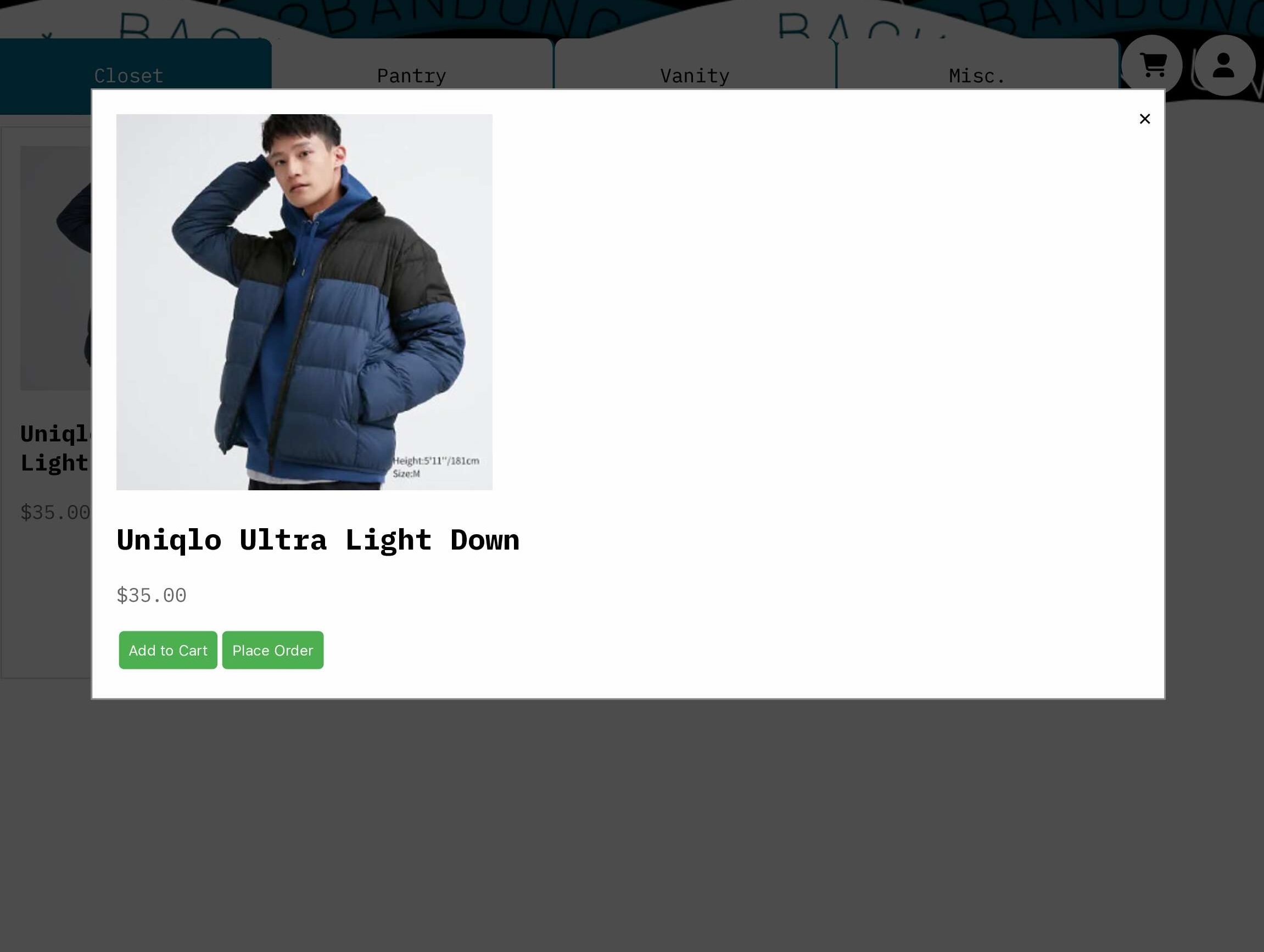
When a user clicks on the product card, a modal will appear displaying more information about the product. There are also buttons to add to cart and place order. The user doesn't have to sign in in order to place and order for a single product. However, if they want to add to cart, they will need to sign up first.
Authentication Pages
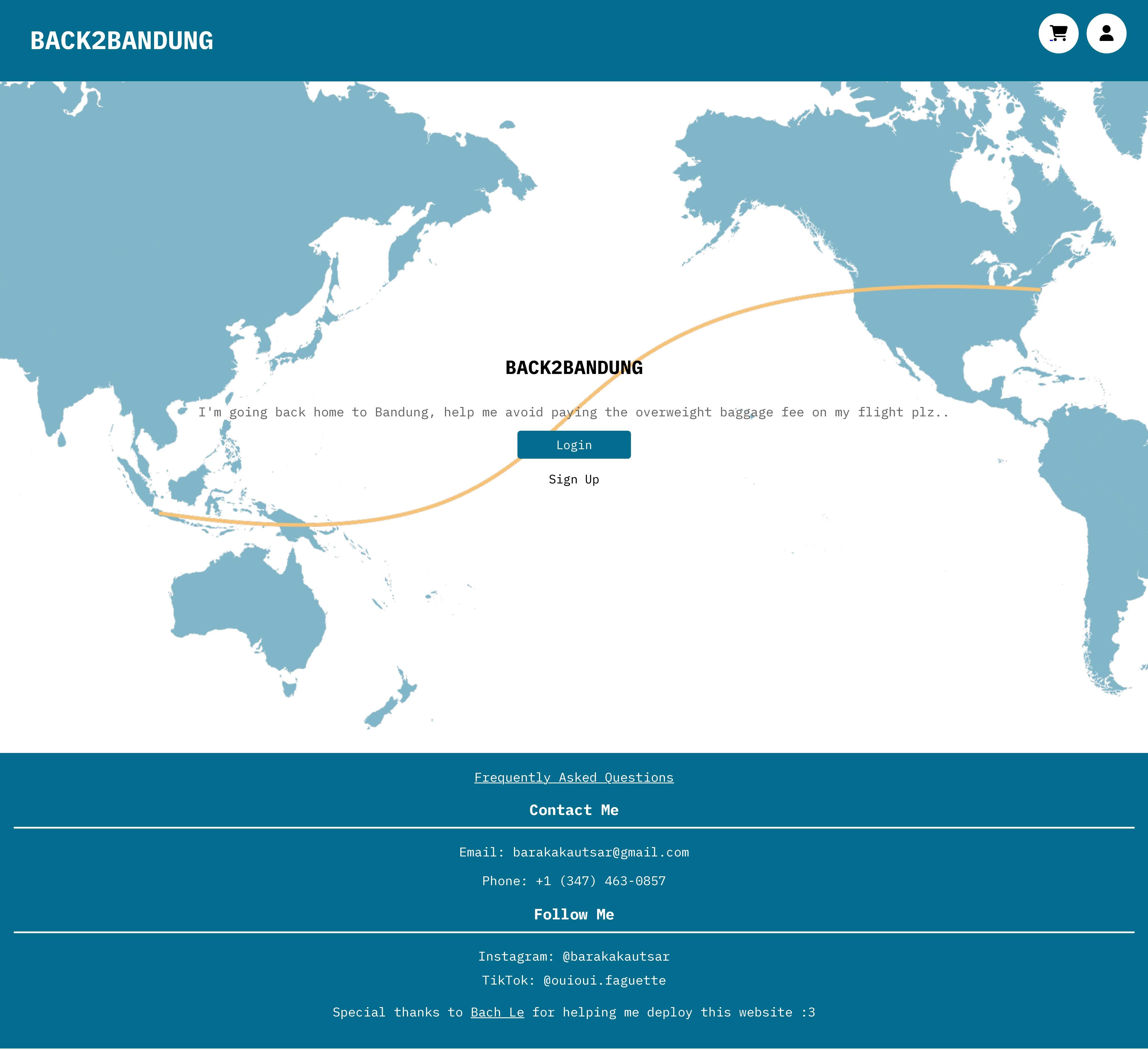
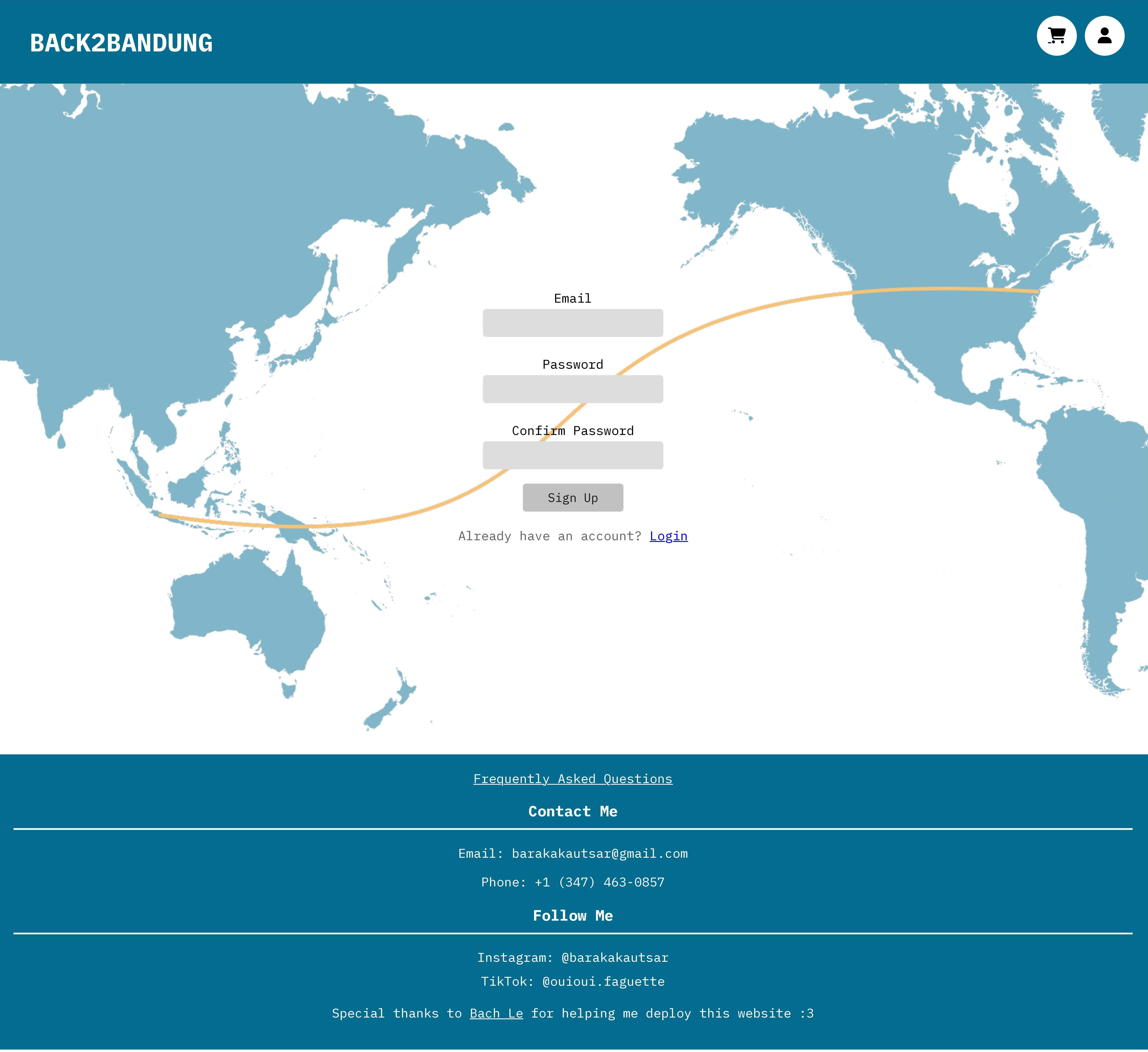
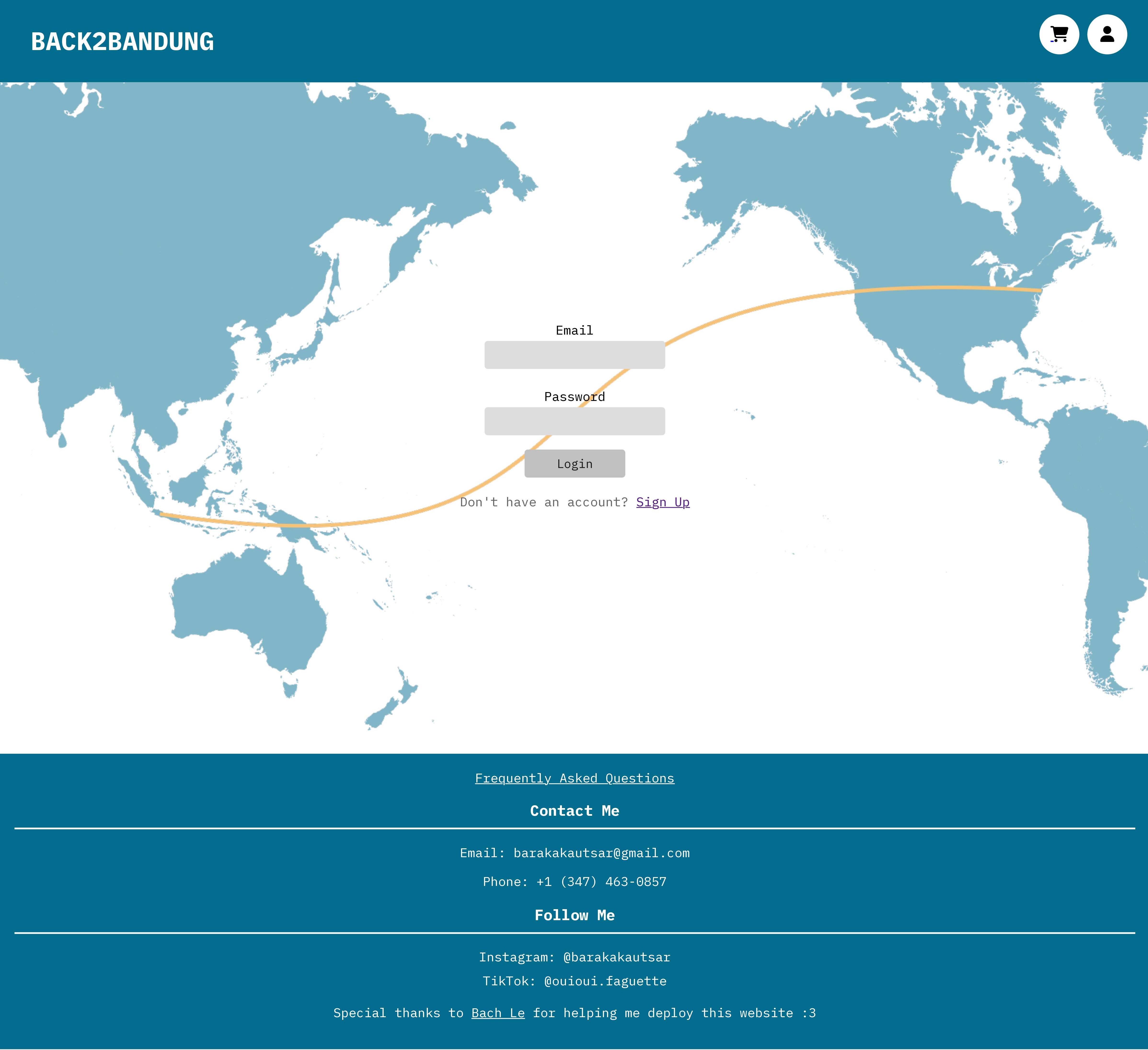
If the user clicks on the account button on the upper right corner of the page and the user is not signed in, it will direct them to a page where they can sign up or log in. The user will be able to sign up using their email and password.
User Info page
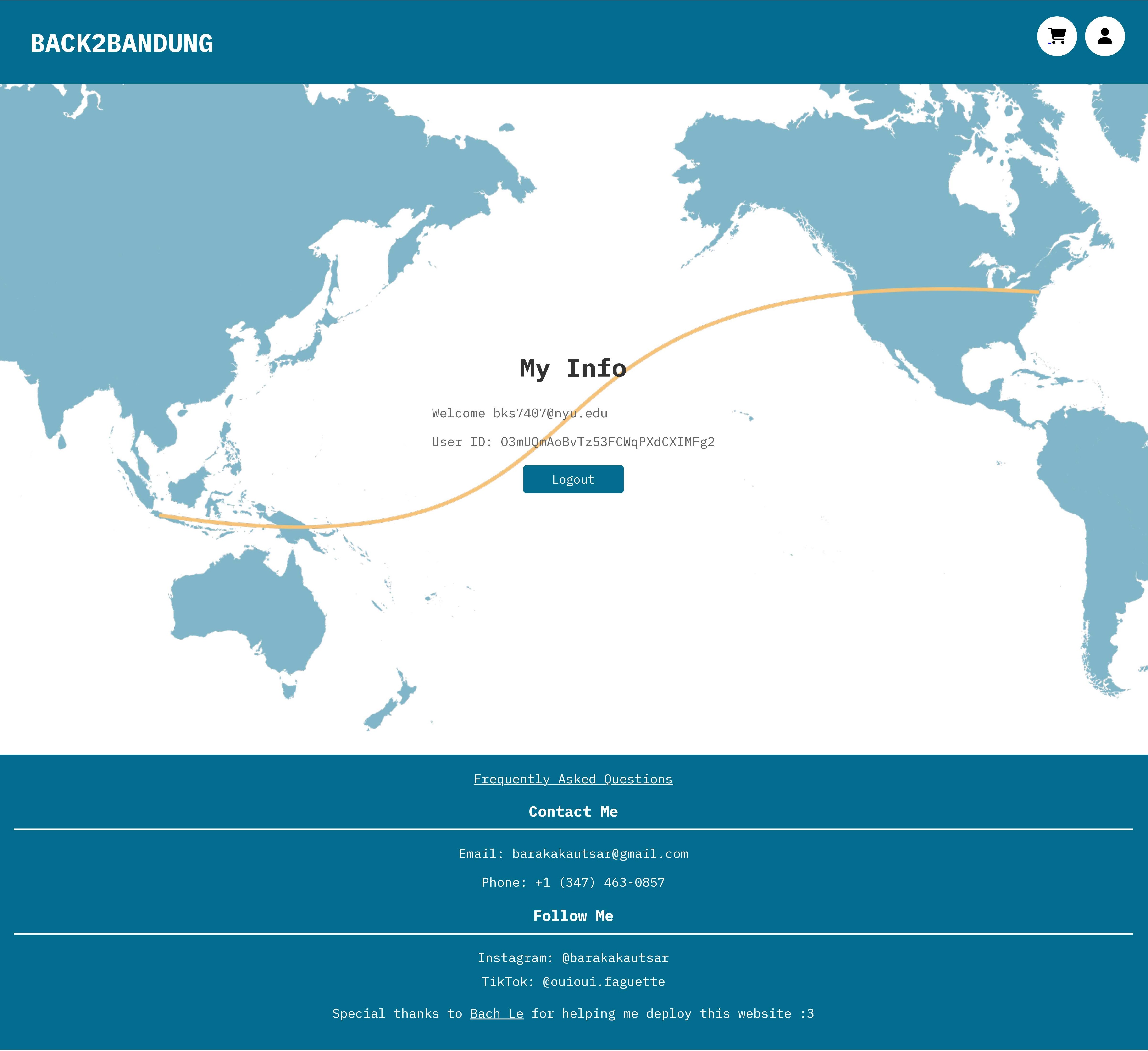
If the user clicks on the account button and they are already signed in, they will be directed to the user information page where they can see their email address and user ID. Here, the user can also log out of their account.
Cart Page
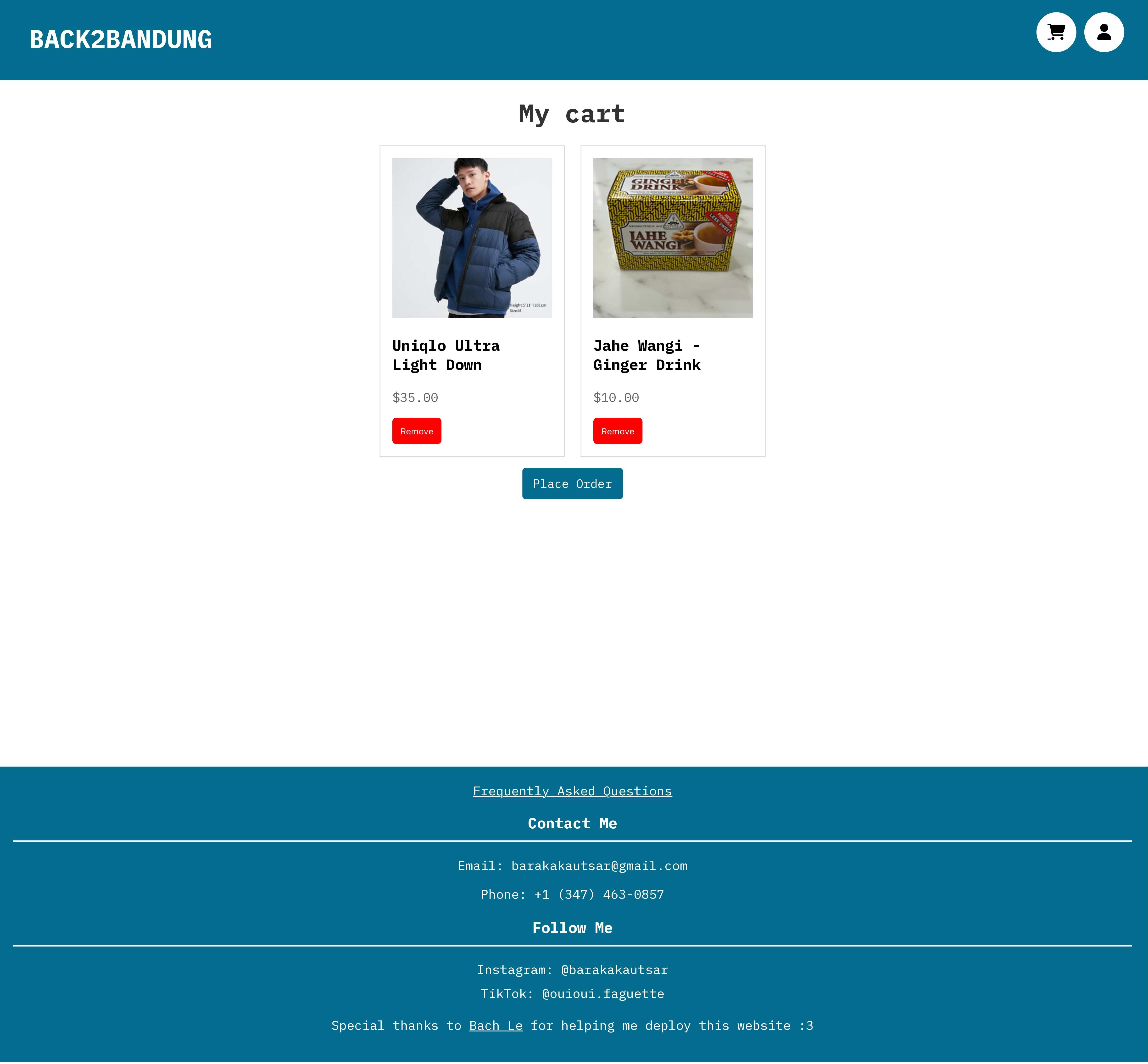
If the user clicks on the cart button on the upper right corner of the page, they will be directed to the cart page where they can see the items that they have added to their cart. Here, the user can also remove items from their cart and place an order. The user will need ot log in in order to use this functionality.
Order Page
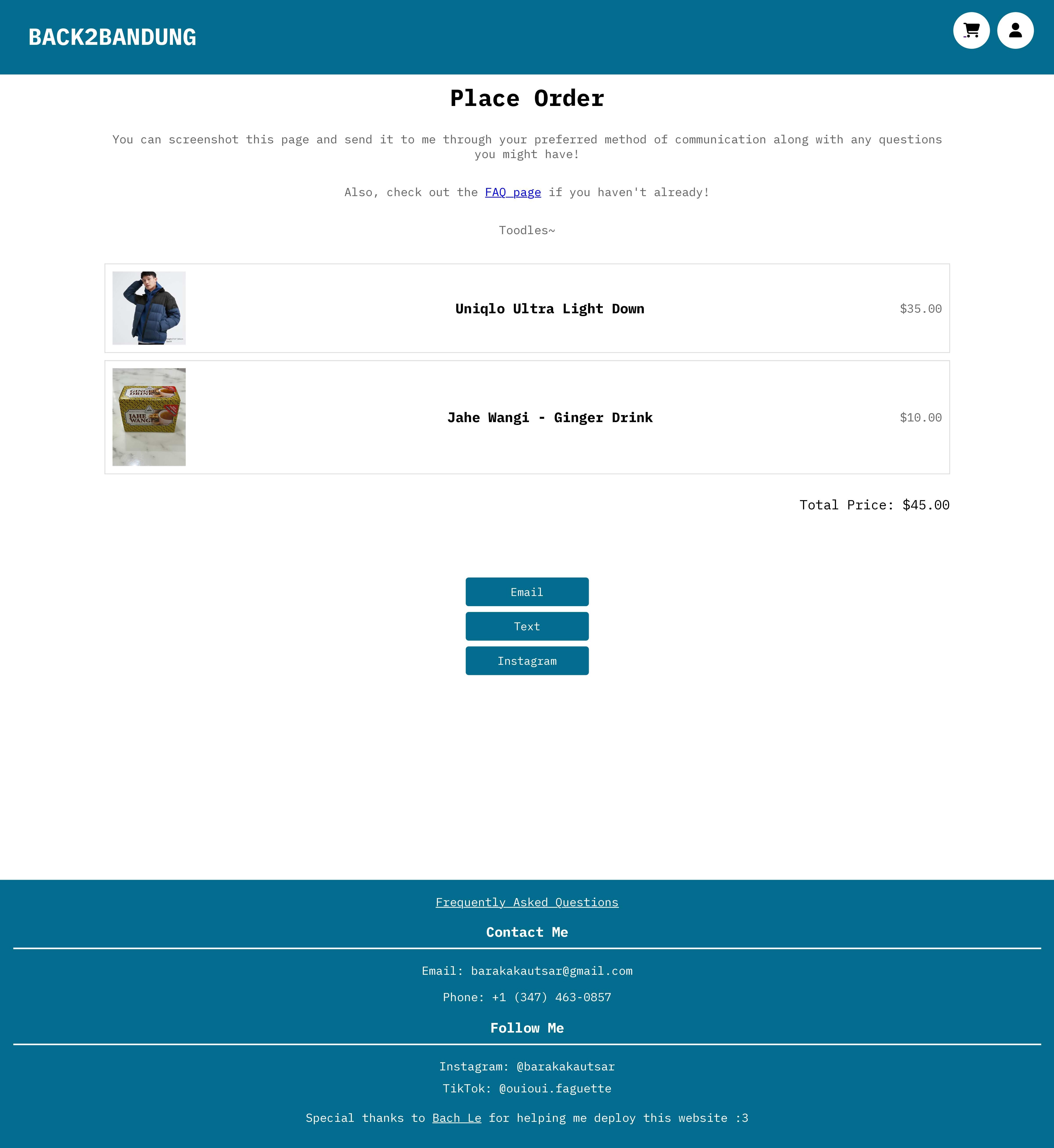
In the order page, the user will be able to see the products they want to order along with the total price for each item. If the user access this page through their cart, all of the items in the cart will be included. However if the user access this from the product modal, then only that product will be included in this page. The page also includes 3 buttons that will redirect the user to their preferred method of contacting me to place an order.
FAQ Page
The FAQ page includes some questions that the user may have about the site and about me. This page also includes links to contact me if the user has more questions to ask. The contact information is also included in the footer that is accessible throughout the site.

Javascript Files:
1. Firebase-config.js: Firebase configuration settings for the web app.
2. Firestore.js: Manages CRUD operations for user and product data in Firestore.
3. Auth.js: Handles user authentication functions (sign up, log in, log out).
4. Products.js: Controls functionality on the main index page.
5. Cart.js: Manages functionality for the user cart page.
6. Order.js: Handles the functionality for the order page, fetching and displaying product details.
things to do & improvements to be made:
- Make sure the website is usable (and looks nice) on mobile devices
- Add more items to sell
- Have multiple images on each item
- Have a functionality to display already sold items
- Give the user the ability to change their user information & delete their account
- Have an admin page to manage the data so that I don’t have to change it directly through the firebase console.